Windows 10 has a feature to reset and reinstall the operating system.
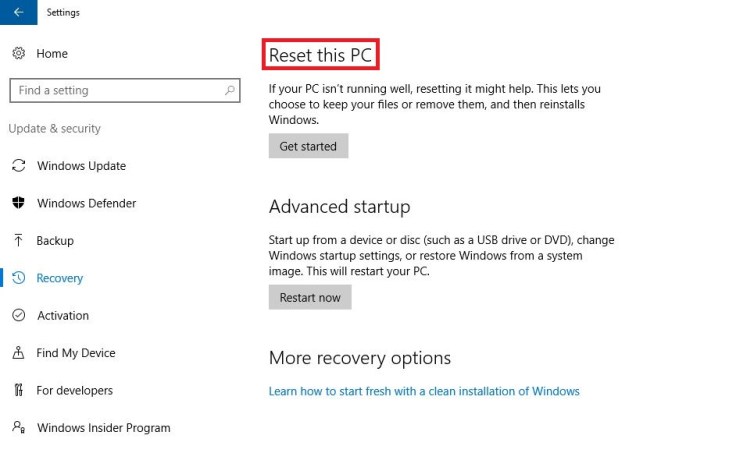
Sometimes the process ends with a failure saying that the recovery partition cant be found.This happens because the recovery partition is disabled.Enabling the Windows Recovery Environment can solve the issue.
1.Open command prompt as admin
Press Windows+X and select Command Prompt(Admin)
2.Type reagentc /info to check the status of recovery environment
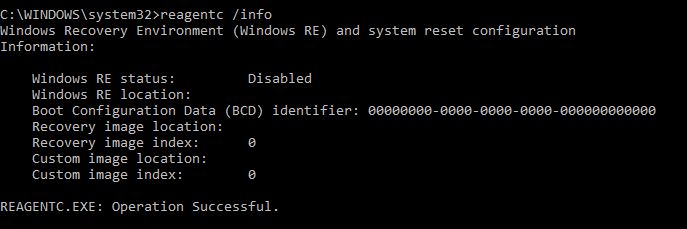
3.If RE is disabled,type reagentc /enable

Done..
Now you can Reset your PC without any error.
 Bharat
 Siddardha
 KNOW IT
Leave a comment