By default Groove music shows the album art of the current playing song.
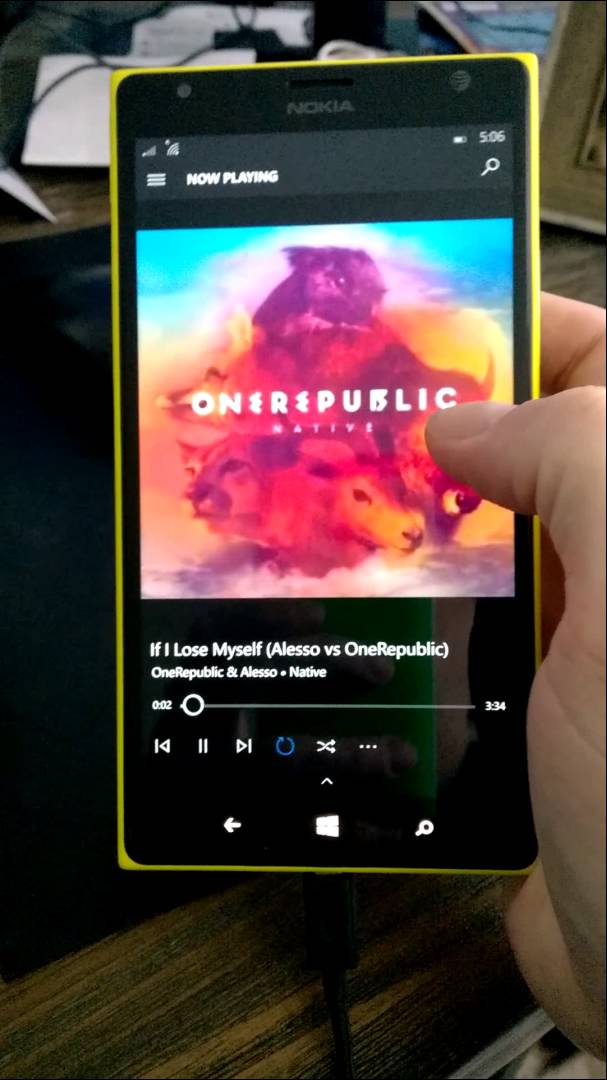
It can be changed to show artist image in the background.
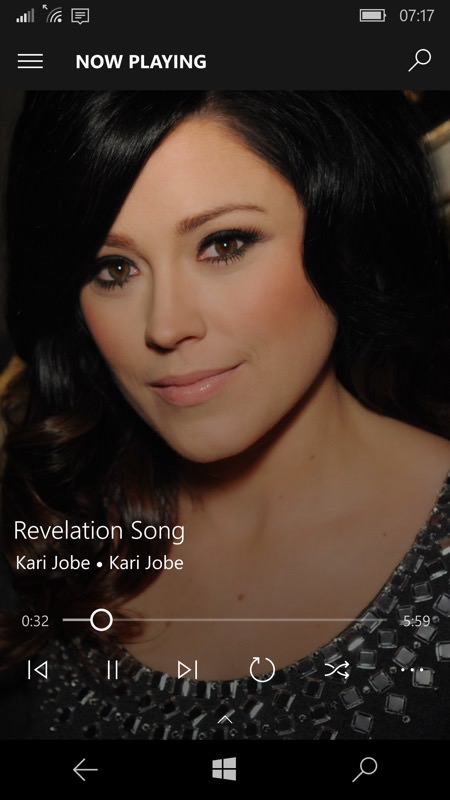
Irony is that all the tracks in the phone may not get the artist images because of incorrect metadata.This post helps you to get the images for all the songs in your phone.
You need to download the Tag Editor

Open the required song in the tag editor and correct the metadata.Data can be retrieved automatically from Groove music Service or last.fm. Save the metadata and now open Groove Music to play the song.Artist image will be shown in a few seconds depending on your internet speed .There is no need to correct the metadata for all the songs in your phone.One song per artist is sufficient to show the image for all the songs.Some times the artist image doesn’t show up.In those cases upload the edited song to your OneDrive music folder.
If the remaining songs of the same artist are labelled as ‘unknown artist’ just edit the name in Groove Music itself.
Tag editor can be used to get the correct metadata and album art for every song if you ever need them.
 Bharat
 Siddardha
 KNOW IT
Leave a comment